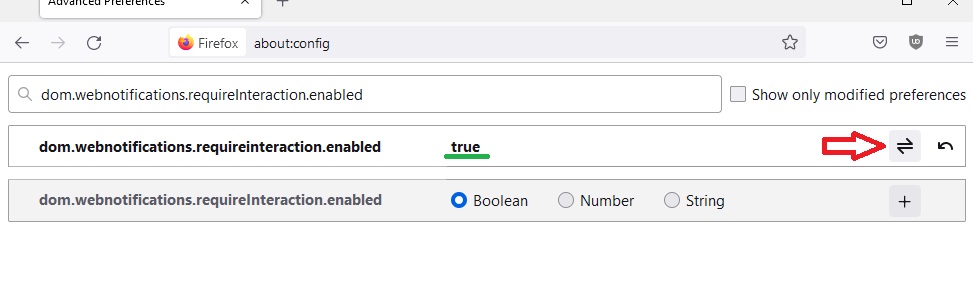
By default, Firefox hides desktop notifications after a few seconds. If you want the notification to stay visible until it's explicitly closed by the user, follow these steps.
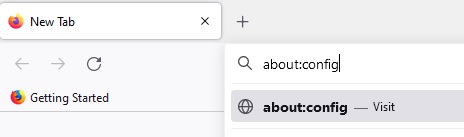
1. open Firefox and type about:config into the address bar and press enter.
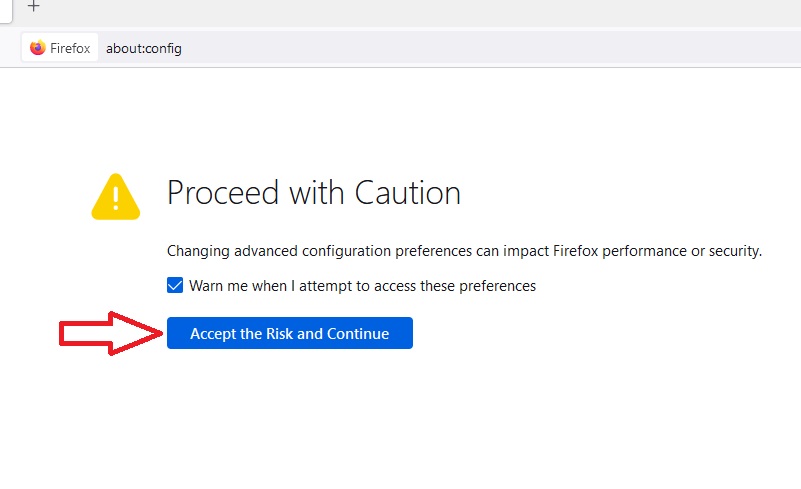
2. If you see a warning page, click on Accept the Risk and Continue
3. Search for dom.
4. Once you see the required property, click on the icon on the right which changes the settings to true: